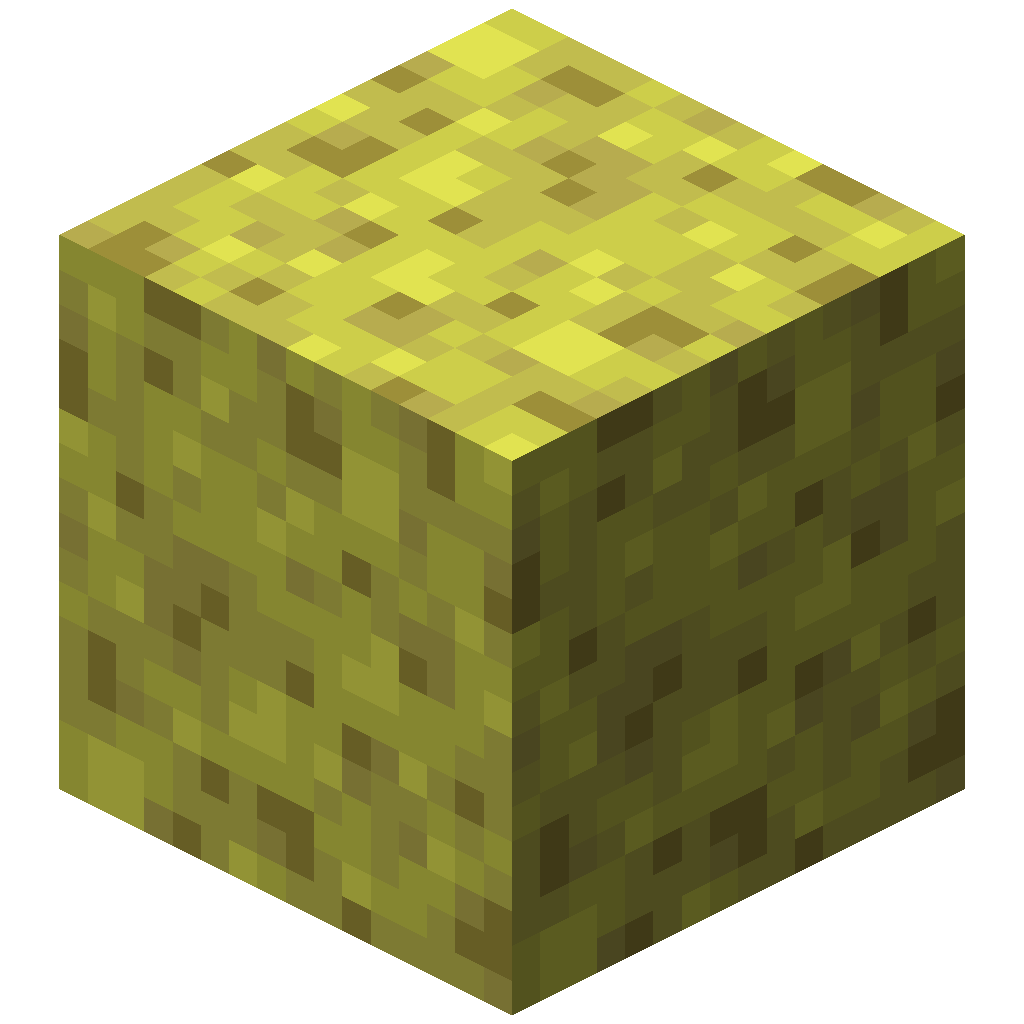
Appearance
Configuration
Configurable Sponge has one config file with two settings. It is powered by CoolerConfig, uses TOML, and is watched while the game runs, so a saved change applies to the next sponge without a restart.
Path: config/configurablesponge-common.toml
toml
# Configurable Sponge configuration.

[sponge]
	# Max depth of a sponge will search for water.
	maxDepth = 6
	# Max amount of water a sponge can absorb.
maxCount = 64| Key | Type | Default | Allowed range | Vanilla |
|---|---|---|---|---|
sponge.maxDepth | integer | 6 | 1 to 2147483647 | 6 |
sponge.maxCount | integer | 64 | 1 to 2147483647 | 65 |
A value that is missing or outside the allowed range falls back to its default. To reset the file, delete it and start the game again.
maxDepth
How far the search travels from the sponge, counted in blocks. Each step moves one block up, down, north, south, east or west, and diagonals do not exist, so the reach is a diamond (an octahedron in 3D) and not a cube. A block 3 east and 2 up is 5 steps away.
The search only moves through water. A sponge does not pull water through a wall, or across an air gap, however large maxDepth is.
maxCount
How many blocks the search may visit before it stops. The sponge's own block counts as one of them, so a sponge removes at most maxCount - 1 blocks of water.
Vanilla's number is 65, which is 64 blocks of water plus the sponge. The default here is 64, so a default install removes 63 blocks of water, one fewer than vanilla. To match vanilla exactly, set maxCount = 65.
maxCount = 1 turns sponges off
The sponge uses the only slot, so nothing is removed and the sponge never turns wet. Use 2 or more.
The two limits work together
The search stops at whichever limit it reaches first. In open water, the number of blocks inside a given depth is fixed, so raising one setting without the other often changes nothing:
maxDepth | Most water a sponge can reach in open water |
|---|---|
| 1 | 6 |
| 2 | 24 |
| 3 | 62 |
| 4 | 128 |
| 5 | 230 |
| 6 | 376 |
| 8 | 832 |
| 10 | 1,560 |
| 12 | 2,624 |
- With the default depth of 6, a sponge never removes more than 376 blocks in open water, so a
maxCountabove 377 has no effect there. - With
maxCount = 65, a depth of 4 is already enough in open water. Depth only matters when the water is a narrow channel, a tunnel or a small pool. - To take in
Nblocks in open water, choose a depth from this table whose value is at leastN.
The formula for open water is (2d + 1)(2d² + 2d + 3) / 3 - 1, where d is maxDepth. Real terrain gives smaller numbers. The simulator runs the search for you.
Example values
Removal counts are for a sponge in open water.
| Setup | maxDepth | maxCount | Water removed | Limited by |
|---|---|---|---|---|
| Vanilla | 6 | 65 | 64 | count |
| Mod default | 6 | 64 | 63 | count |
| Short reach | 2 | 500 | 24 | depth |
| Big sponge | 10 | 1000 | 999 | count |
| Ocean drainer | 20 | 5000 | 4999 | count |
Very large values can lag the server
Every block a sponge removes is a block update, and the search runs on the server thread. A sponge with a huge maxCount dropped into an ocean can freeze a server for a moment. Raise the numbers gradually and test on a copy of your world first.
Servers and modpacks
The file lives in the config folder of the instance that runs the world: your game folder in single player, the server folder on a dedicated server. There is one set of numbers for every world and dimension on that instance.
For a modpack, ship the file in config/ with the values you want. Players who edit their own copy only change their own single-player worlds.