Appearance
How the sponge works
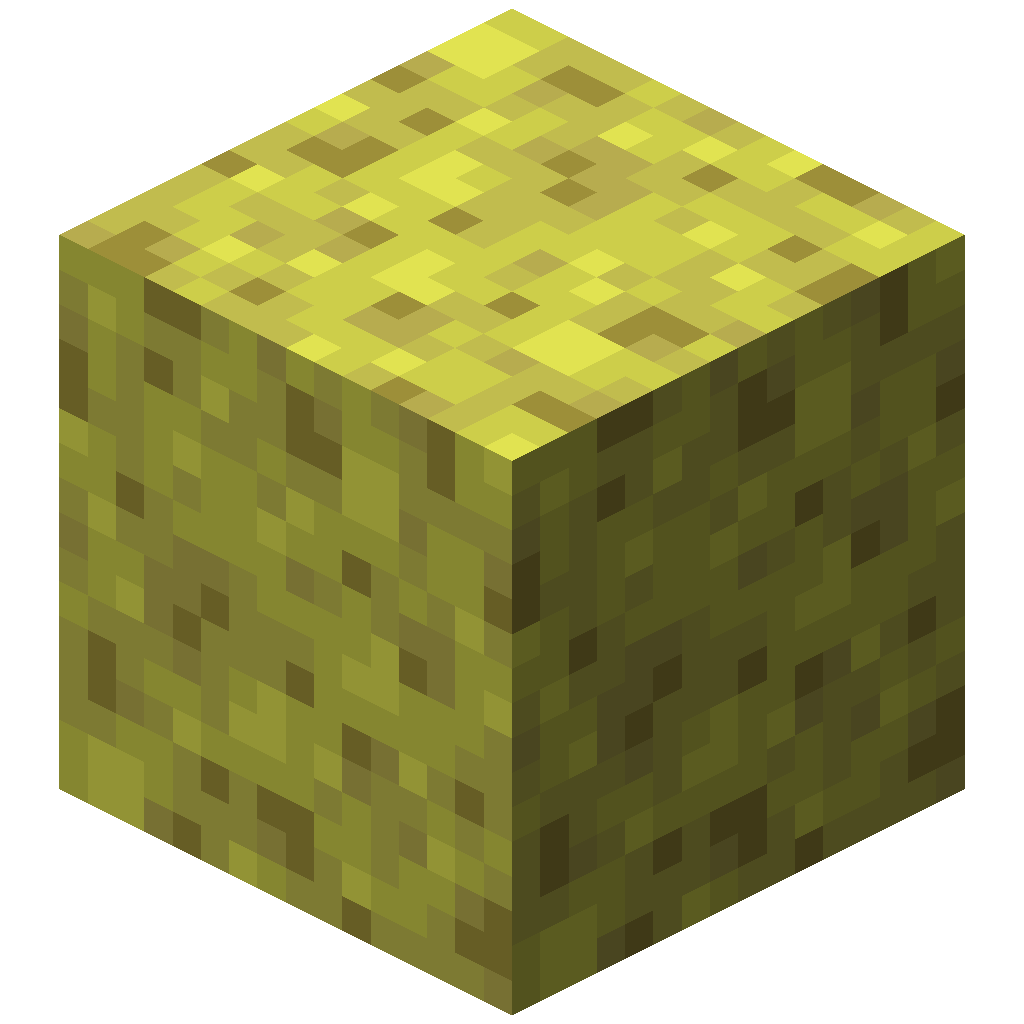
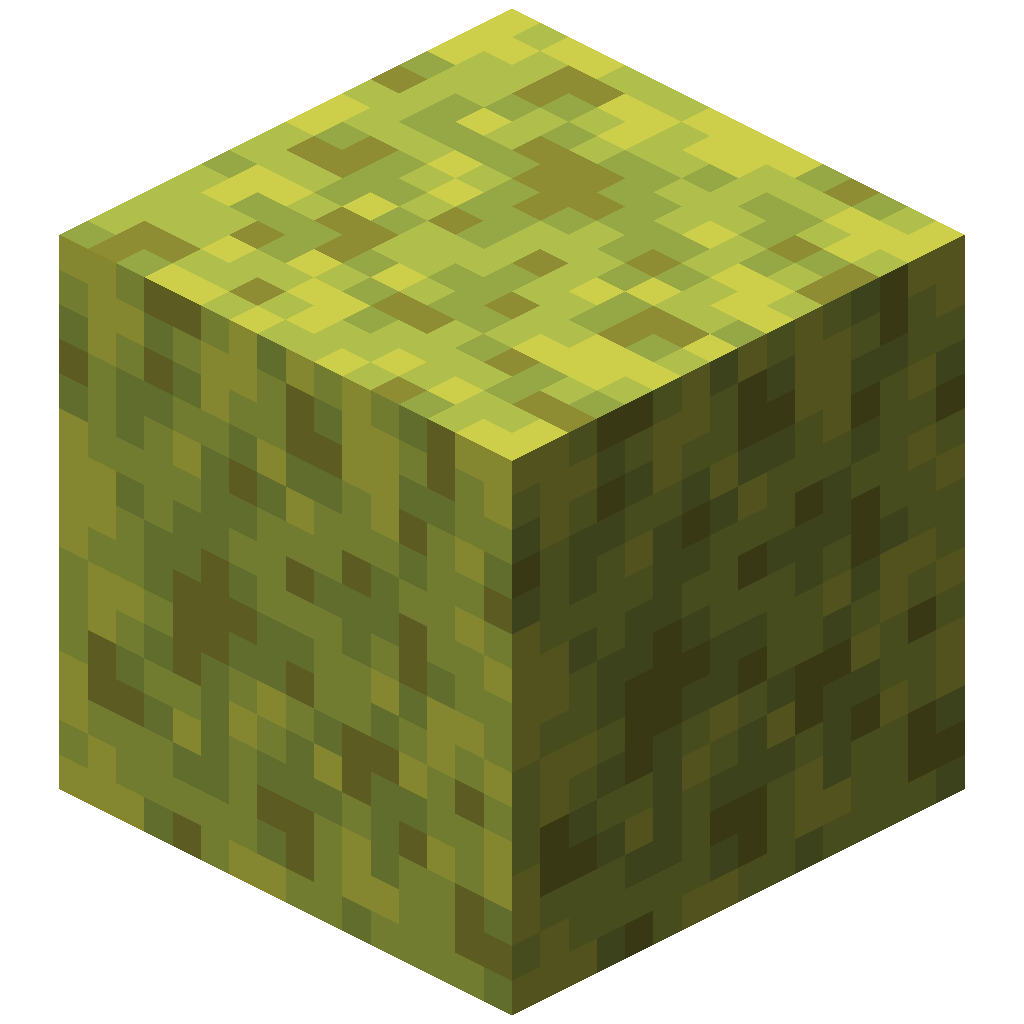 This page describes the vanilla sponge as it behaves in Minecraft 26.1.2, and marks where Configurable Sponge changes it. Understanding it explains why the two settings behave the way they do.
When a sponge looks for water
A dry sponge checks for water in two situations:
- when it is placed
- when a neighbouring block changes, for example when water flows against it or a block next to it is broken
If the check removes at least one block of water, the sponge becomes a wet sponge and plays its absorb sound. If there was nothing to remove, it stays dry. A wet sponge does not search at all, and this mod does not change it.
The search
The sponge runs a breadth-first search outward from its own block:
- The sponge's block is the starting point. It uses up one of the
maxCountslots. - The search visits the six blocks touching the current block, one step further from the sponge each time. Blocks nearest the sponge are handled first, so the search grows outward in rings.
- Each visited block is checked. If it holds water, it is emptied and counts towards
maxCount, and the search continues from it. If it does not, it is skipped, and the search does not continue through it. - The search stops when it runs out of reachable water, when a block is further than
maxDepthsteps from the sponge, or whenmaxCountblocks have been used.
Because a skipped block is a dead end, the search only follows water that is connected to the sponge. Water behind a wall or across a gap of air is out of reach.
| Setting | What it limits | Vanilla value | Set by this mod |
|---|---|---|---|
maxDepth | How many steps from the sponge a block can be | 6 | sponge.maxDepth |
maxCount | How many blocks the search can use, including the sponge | 65 | sponge.maxCount |
Since the sponge uses one slot, vanilla's 65 means 64 blocks of water. See Configuration.
What counts as water
The block must contain water. Lava and other fluids are never touched. Within that:
| Block | What the sponge does |
|---|---|
| Water (source or flowing) | Removes it |
| Waterlogged blocks, such as a waterlogged slab or stairs | Empties the water and keeps the block |
| Kelp and seagrass | Breaks them and drops their items |
Each of these counts as one block towards maxCount.
What this mod changes
The mod replaces the two numbers in the sponge's search, and nothing else:
java
@ModifyConstant(method = "removeWaterBreadthFirstSearch", constant = @Constant(intValue = 6))
private int modifyMaxDepth(int original) { return ModCommonConfig.maxDepth(); }

@ModifyConstant(method = "removeWaterBreadthFirstSearch", constant = @Constant(intValue = 65))
private int modifyMaxCount(int original) { return ModCommonConfig.maxCount(); }
The values are read every time a sponge searches, which is why edits to the config file apply straight away.
It also means a sponge is not the only thing that changes with the config. Anything that extends the vanilla sponge block and uses its search takes on the new numbers too. Blocks that run their own search are unaffected.
Next
- Configuration: the settings and their limits
- Simulator: watch the search run with your own numbers